
This evening I taught the sixth of seven classes for K-12 teachers in Montana on “Mapping Media to the Common Core: Part 1.” I love teaching this class over H.323 videoconferencing from my house! Tonight we focused primarily on creating narrated slideshows and screencasts. Following class, I used the iPad apps Haiku Deck, Mail, Explain Everything, PhotoSync, and YouTube Capture to create and publish a seven minute narrated slideshow I titled, “MinecraftEDU Tips (Jan 2014.)” I provided some additional background about how I made this in my post tonight on our class blog.
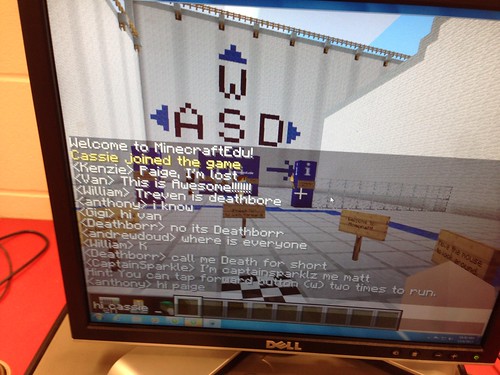

I added this video along with the introductory slides I’m using with students this week to my MinecraftEDU curriculum page. The MinecraftEDU Controls Quickstart Guide (PDF) I reference in the above video is also linked on that page.
Technorati Tags: minecraft, minecraftEDU, tips
Note: As of 1 Oct 2026, this is a FULL STATIC COPY of all 6,390 posts shared on this blog since 2003. But updated content and ideas from Wes Fryer are still available! Visit wesfryer.com/after for a complete list of my current social channels and websites where I share!
Comments
One response to “MinecraftEDU Tips: An iPad Narrated Slideshow Created with @HaikuDeck & @ExplainEvrythng”
Amazingly cool, Wes! Thanks for the mention!